When you click on links to various merchants on this site and make a purchase, this can result in this site earning a commission. Affiliate programs and affiliations include, but are not limited to, the eBay Partner Network.
By using the console/ command line, is there a way to turn the TPMS OFF entirely and, if so, will it kill the cluster light? Work in progress?
I have been working on this and have been able to send a UDS command to the BCM, but that only turns off the TPMS light off for about an hour of driving or 2 trips.
I could send it out every 30 minutes, but it doesn't seem like a proper solution to me.
The Better Solution
I have reverse engineered how to read the TPMS IDs from the BCM.
Once I have the TPMS IDs, I plan on using a CC1101 module to broadcast/simulate each TPMS sensor and send fake/static tire pressure. They are received by the TPMS de-modulator, then BCM and since they are above the 26 PSI threshold, the TPMS light will be off and stay off.... forever!
The tricky part will be to program the CC1101. It has many, many registers for different options and I don't have a strong background in RF (radio frequency) stuff so that may take a while.
The TPMS sensor modulation / encoding / tire pressure have all been reverse engineered... AND I can use a SDR-RTL USB dongle (Software Defined Radio) to read my tire pressures when I am driving the car, or when the car is parked in the garage and I am in the house.
In addition, the Bluetooth Sensor Server, can be used to read any analog sensor and push the required data format on the CAN bus for GTR gauges to use. For example: engine oil pressure.
(I have also reverse engineered all the MFD (the GTR's Multi Function Display aka "gauges") data items, so that work is already done!)
I really hope I don't hit any major problems in getting the GTR gauges on the G37/370/etc... but time will tell
For those with navigation, AUX IN audio/video has been figured out!!
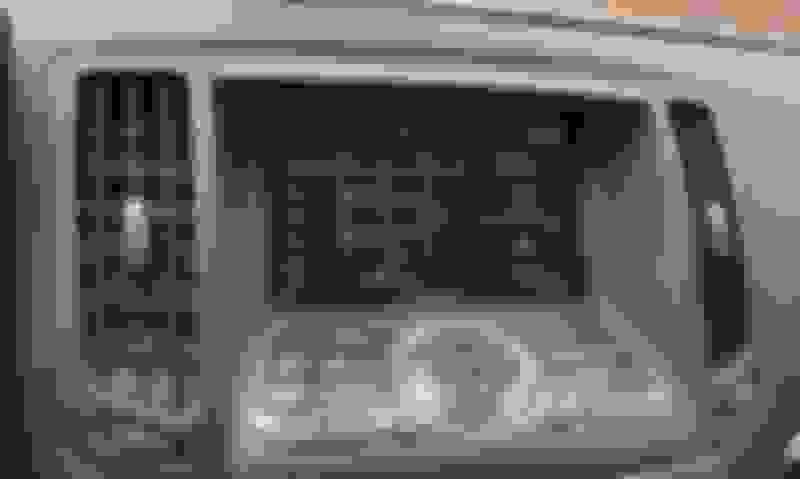
I've always wanted to have my phone's maps on the NAV screen as my maps are 10 years old. The screen is a little blurry due to the low resolution of composite (CSBV) video.
I don't know if the vehicle type needs to be changed for this to work.
When I enabled the AUX IN, the vehicle type was set to GTR (sys 2 9 1 1 0x5245)
I will test turning on AUX IN on a stock G37 navi/AV to verify that it doesn't matter.
Now the good stuff:
Using the console, get your current configuration: xrcnf 2
A stock G37 will have: AUX kind = 0 (without)
To enable AUX IN, type sys 2 9 1 26 2
The system will reply with: SYS_CNF_write START
Write Item = 2
Run xrcnf 2
It will now show: AUX kind = 2 (VTR-Jack)
Power off/ power on.
Next step is the AUX video in connections.
The 40 pin connector is located on the top left, just next to the brown GVIF (hi res video) connector
Add wires to terminal 26 - AUX video in and 46 AUX video ground
For audio in:
The 28 pin connector is below the 40 pin connector from above.
Connect to terminals 104 - left audio, 118 - right audio and 119 - common/audio ground.
It really is that easy, well... once you figure out how to get console access.
Since getting into the console isn't easy, I have designed a small board that makes it very easy.
All you need is a $15 USB to TTL module and this board, which does the required signal inversion
and logic level lift to 12v.
Since it uses a USB to TTL module, you can use a Mac/PC/Linux and any serial terminal program like putty,
terminal, etc to type the commands.
If there is enough demand, I will look into getting a small batch made.
or, use the schematic below and make your own:
Last edited by MotorvateDIY; Nov 30, 2022 at 07:21 PM.
Will do!
There may also be a way to do this via the OBD port using CAN bus, but that will take a few additional months to figure out.
My priority is feeding data to the GT-R gauges.
A few months back I was able to get console access via icrap's method. However I was never able to write the configuration data to the HU to change the car to the GT-R. Did anyone figure that out yet for the 07-10 HU?
A few months back I was able to get console access via icrap's method. However I was never able to write the configuration data to the HU to change the car to the GT-R. Did anyone figure that out yet for the 07-10 HU?
I was never able to get that to work fully either, no. Putting the GT-R drive in worked to unlock the mfd but any command that seemed like it would write the config data never worked, only on the 10+ units.
January Update:
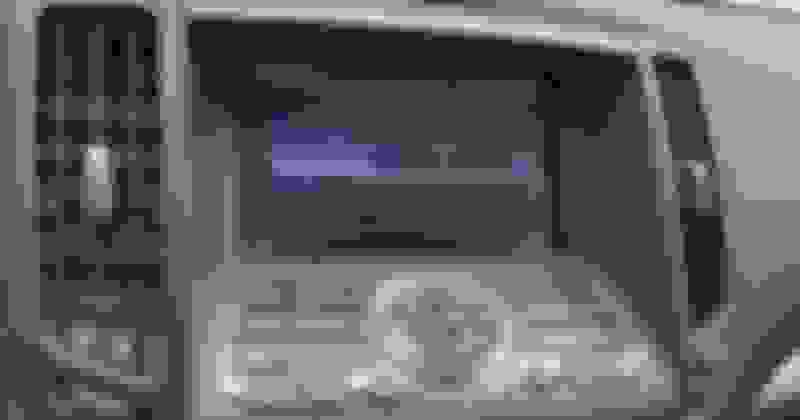
Today was the first "in car" test of the reconfigured navigation unit and it worked as expected!
This means that 5 out of ~28 gauges worked as is.
With the CAN bus module under development, an additional ~22 gauges will display live data.
-AND- pressing the DISC/AUX button now brings up the Music Box / Disc / Bluetooth and now the *AUX IN* screen.
My next step it to make a few "plug an play" cables to test the audio and video quality.
Anyways, that's all for now.
I hope to have another update in a few weeks the most of the gauges working
Small GTR Gauge update:
The GTR has a gauge labelled "Transmission Oil Pres", which isn't that useful on the G37/370.
BUT, wouldn't it be nice to have something else in its place? Maybe something like fuel pressure, ethanol content, or differential oil temp?
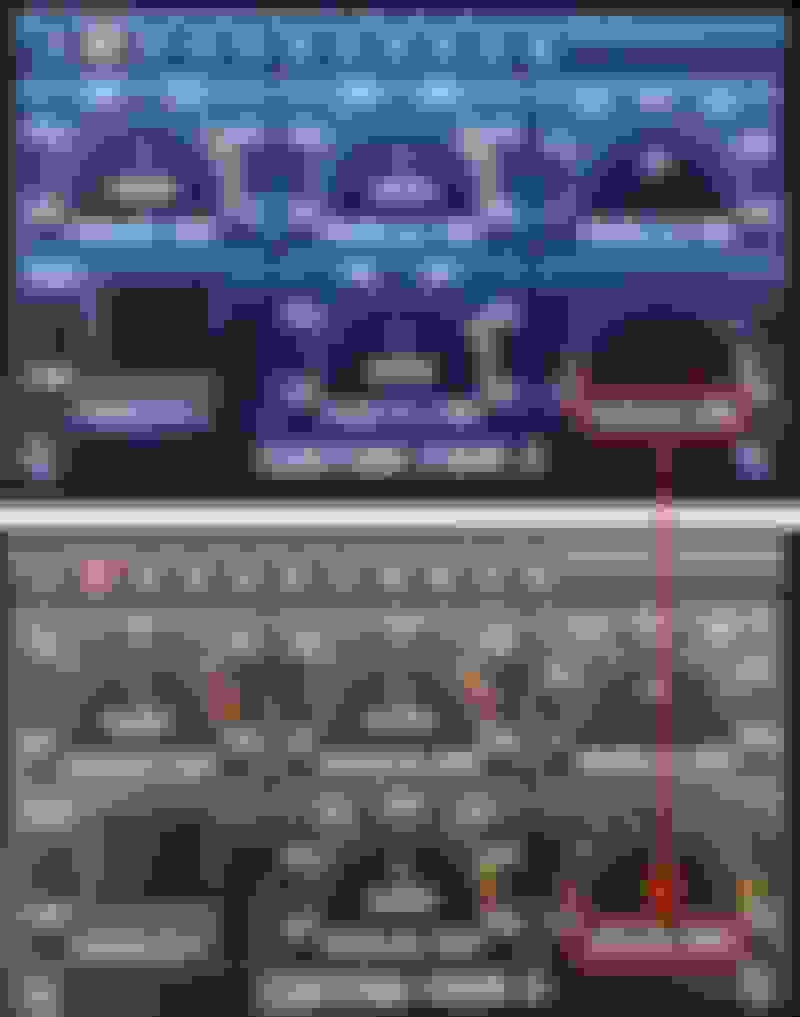
Well....thanks to Gareth for the checksum calculation, any gauge text can now be changed.
In the example below, the TRANS OIL PRES has been changed to DIFF OIL TEMP.
This gauge will be fed from our Bluetooth sensor server, which will send the diff oil temp to the AV unit/MFD for live data display.
The only down side is that the gauge doesn't have and numerical values, BUT the gauge is divided into 10 sections, which works.
For example the top middle of the gauge (50% area) could be used to indicate 80C/176F and every section (10%) could indicate 10C / 20F.
I'm still working on the development the CAN bus converter so these gauges can show live G37/370z data and hope to have an update in a few weeks.