When you click on links to various merchants on this site and make a purchase, this can result in this site earning a commission. Affiliate programs and affiliations include, but are not limited to, the eBay Partner Network.
yes please elobrate, unless your car has rca inputs, already then no.need. I have an extra pi laying around....
No RCA input, 2011 Sedan with premium package, so I didn't even have aux audio input when I started this all.
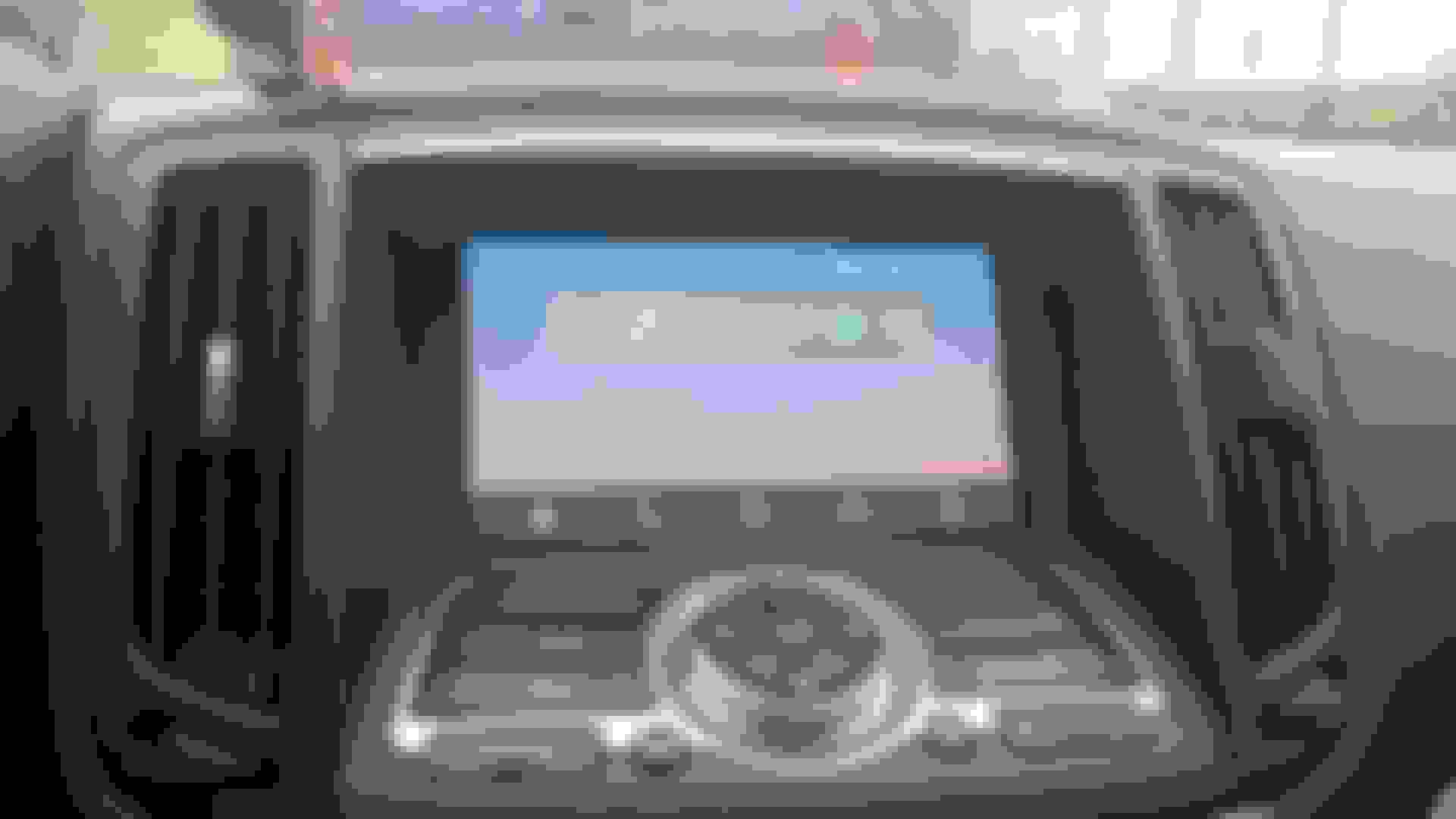
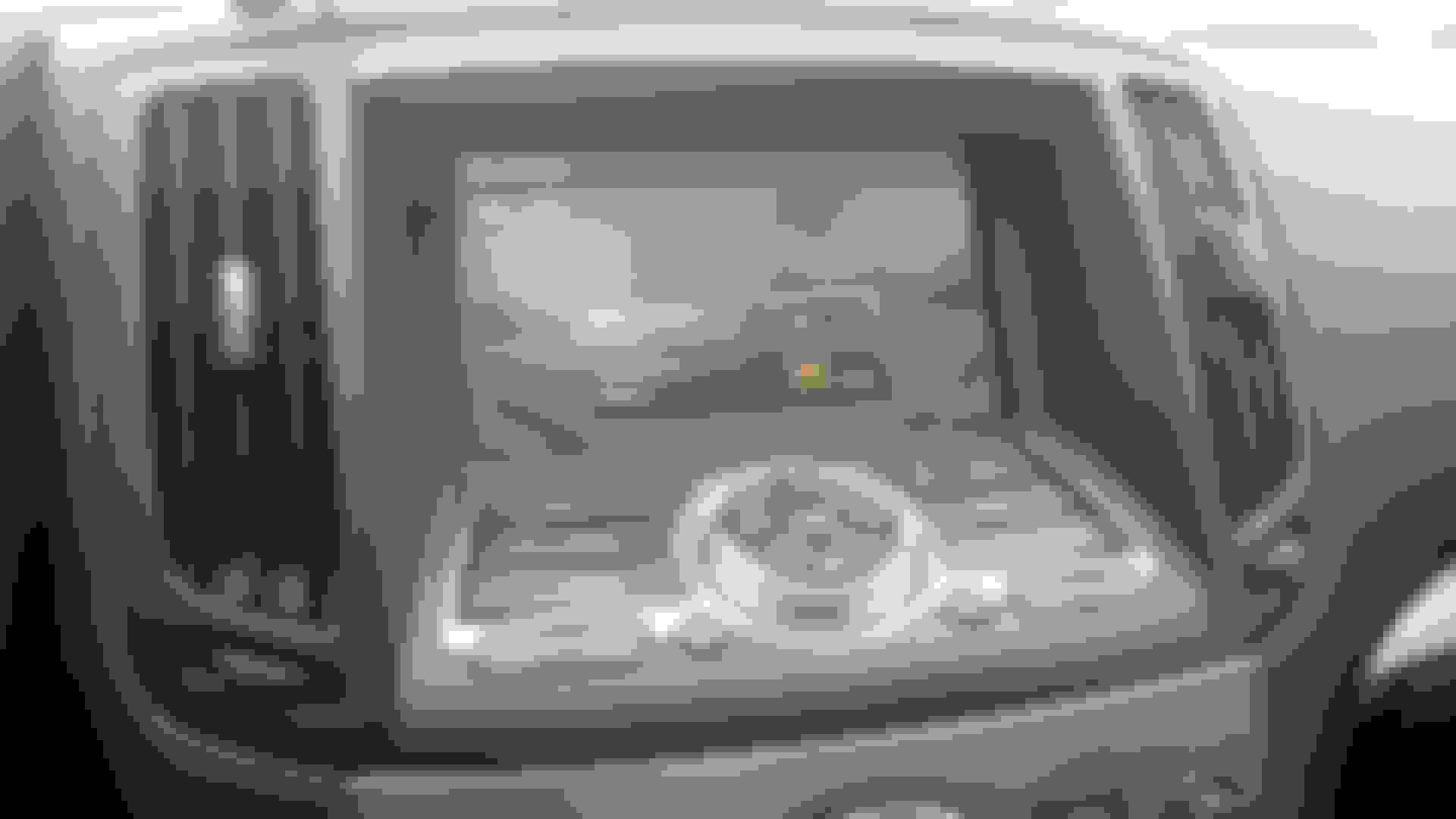
Spliced RGBS signals from display in to 4 point relay, using the snow mode switch to activate - relay toggles between stock signals and external, which I've routed to glovebox.
I have a power circuit from here to power the pi (and to safely shut down the pi).
Also put steering wheel switch signal A on a relay, which splits between stock and a teensy microcontroller (so that I can have steering wheel controls in Android Auto).
Took apart the display to remove the stock plastic overlay, replaced it with a resistive touchscreen overlay which feeds back to the Pi
Installed a GROM BT unit, which is plugged in to a usb soundcard on the pi.
Pi is wearing a VGA666 Hat, which can be configured to output a 15kHz RGB signal - Horizontal and Vertical sync are routed in to a custom Sync combining circuit. Pi is running a custom fork of OpenAuto (just so that I can make it more G37 themed). I was running a HDMI->VGA adapter through a GBS-8100 before, which worked but had serious drawbacks.
I'm working out the last of the kinks still - colors are slightly too bright, enough to bother me - I'm going to install some trimpots in to the RGB signals so I can tune them a little.
Can go in to more detail on any of the above - I'm just not very good at making general writeups, so any specific questions are welcomed.
we are gonna need a real tutorial with pics, thanks lol
Hah.. I'll see if I can find the time to disassemble it enough to take some good pictures
Originally Posted by Jsolo
And to think, modern day q50's don't even come with android auto yet!@#
To the op, did you damage any of the plastics/console pieces in the process or R&R?
I should point out that this is a 2011 non-nav - my method will only work with the non-nav, but I know there are ways to do it with the nav versions (which would be easier I think)
Didn't damage anything outside of a few scratches from not taking as much care as I should have. As long as you're careful snipping/stripping your harness wires you should be fine.
Originally Posted by Rollo
Are you making this up or are you a super-villain taking time off your destroy the world plan to work on your car?
I can take some videos later if authenticity is being questioned - For my next mod I should install rocket launchers.
This is amazing! Anyone know if this method would also allow me to use Apple Carplay? I understand I'll need different software but NBD. '09, non-nav with Bose audio
What's your approx cost of project?
Can you elaborate on fitting in the touchscreen?
Definitely post a video of how it works
I have an 09 with RCA input so it should be easier, but still curious about how well your added touchscreen works.
If you take the screen out of the car, you can dismantle it to the point where the raw circuit board is exposed - if you get to this point, you can pry the stock plastic screen cover from the adhesive, and put on a touchscreen overlay. I'm using this one, maybe in the future I can find a nice capacitive one. Reassembly of the screen follows as normal, you just now have a little touchscreen overlay ribbon cable coming out of the screen as well. I can try to photo this when I get decent photos of the rest of the setup.
RCA input would certainly make this easier.
Originally Posted by Conboss
This is amazing! Anyone know if this method would also allow me to use Apple Carplay? I understand I'll need different software but NBD. '09, non-nav with Bose audio
As far as I know there's no reverse engineered carplay solution, which is what openauto is for android auto. Apple is definitely much more restrictive in that sense.
Hmm, I see. What I would do with this is load music, either through Spotify or something like that, and I would never have to mess with my phone again. Is this feasible on this?
Hmm, I see. What I would do with this is load music, either through Spotify or something like that, and I would never have to mess with my phone again. Is this feasible on this?
With an android phone and android auto, for sure - For anything else.. maybe? I mean what I've done is hooked up a tiny computer to my car, what you do with the computer is up to you, I'm just using it for Android Auto - if you wrote software for the spotify stuff that could work too.
With an android phone and android auto, for sure - For anything else.. maybe? I mean what I've done is hooked up a tiny computer to my car, what you do with the computer is up to you, I'm just using it for Android Auto - if you wrote software for the spotify stuff that could work too.
gotcha. The main reason why I asked about CarPlay is because I use an iPhone, and don’t know a whole lot about these types of systems. I guess what I could do is load just standard android on it, and connect it to my wifi somehow in my house and load music on it. The main challenge would be the touch screen at this point.
gotcha. The main reason why I asked about CarPlay is because I use an iPhone, and don’t know a whole lot about these types of systems. I guess what I could do is load just standard android on it, and connect it to my wifi somehow in my house and load music on it. The main challenge would be the touch screen at this point.
I really wish there was a nice open source solution for CarPlay - fundamentally it's the same technology as android auto, just locked in the apple closed garden.
The Pi3 runs android pretty decently - but I'm not sure you could get it to output to the RGB screen correctly running android - perhaps through RCA? Touchscreen would work fine if you install an overlay - the touchscreen drive I'm using has multiple modes, one of which is a "mouse" mode which should be near universal.
I really wish there was a nice open source solution for CarPlay - fundamentally it's the same technology as android auto, just locked in the apple closed garden.
The Pi3 runs android pretty decently - but I'm not sure you could get it to output to the RGB screen correctly running android - perhaps through RCA? Touchscreen would work fine if you install an overlay - the touchscreen drive I'm using has multiple modes, one of which is a "mouse" mode which should be near universal.
my car actually has the RCA jacks in the center console, so as long as I can figure out that kind of connection, wireless and input connections then I’d be doing alright!