When you click on links to various merchants on this site and make a purchase, this can result in this site earning a commission. Affiliate programs and affiliations include, but are not limited to, the eBay Partner Network.
where did you buy it from and was it the px6 model? I had the same issue and it turns out that almost all vendors are shipping the harness where the rear camera isn't pinned correctly. I re-pinned mine and was able to get the camera working. There's a whole facebook page for the g37 tesla screens, people can help you there
Hi
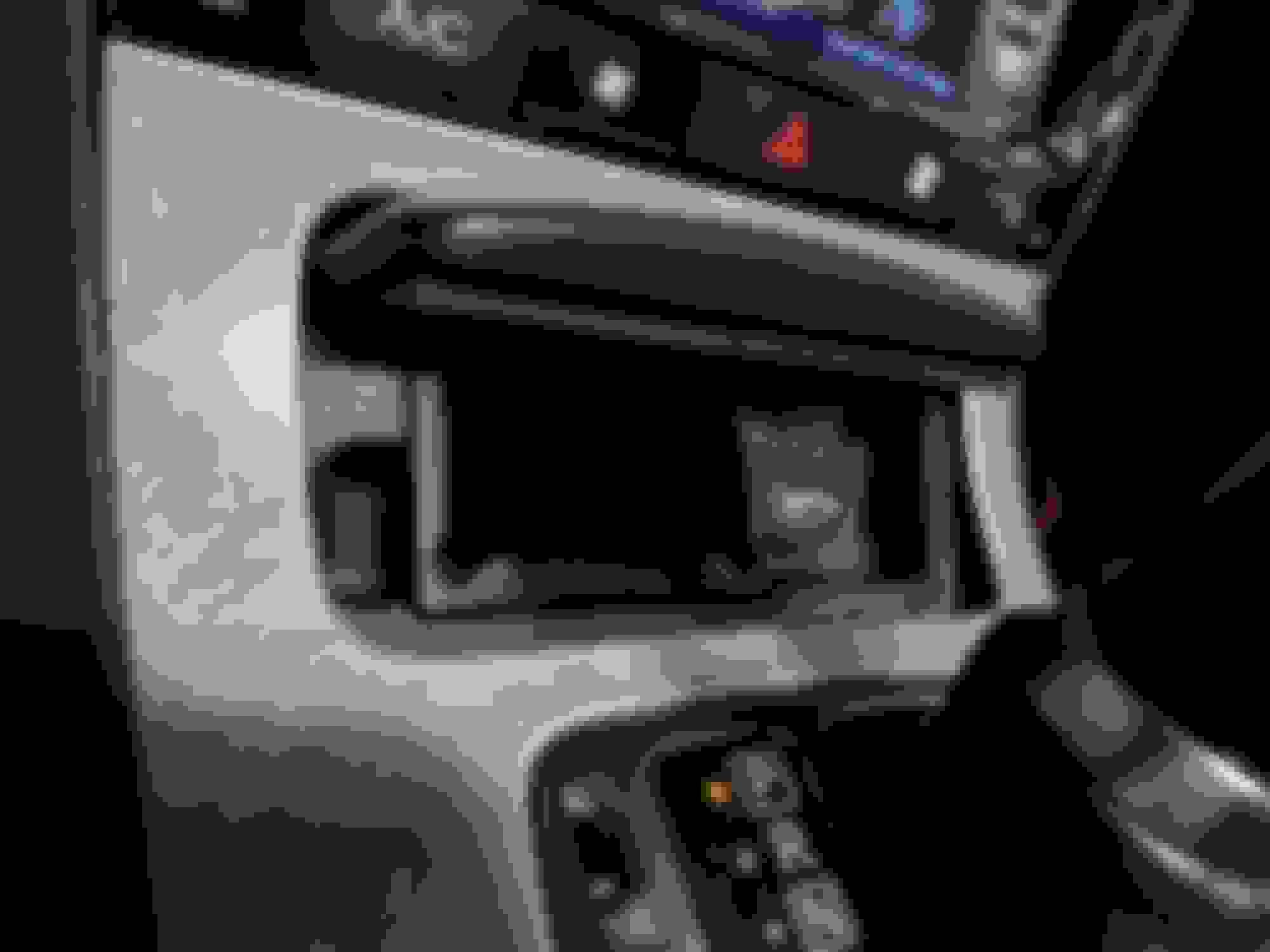
I am installing a Tesla Radio in an 2009 FX 35 with factory Nav, cams and dvd. I have come across an problem. I cant find the car side of the AV-IN. Could you take a picture of its location? I haven't checked yet but the lineout location of the module is also in question.If anybody has an answer for this please feel free to comment
TIA
Wayne
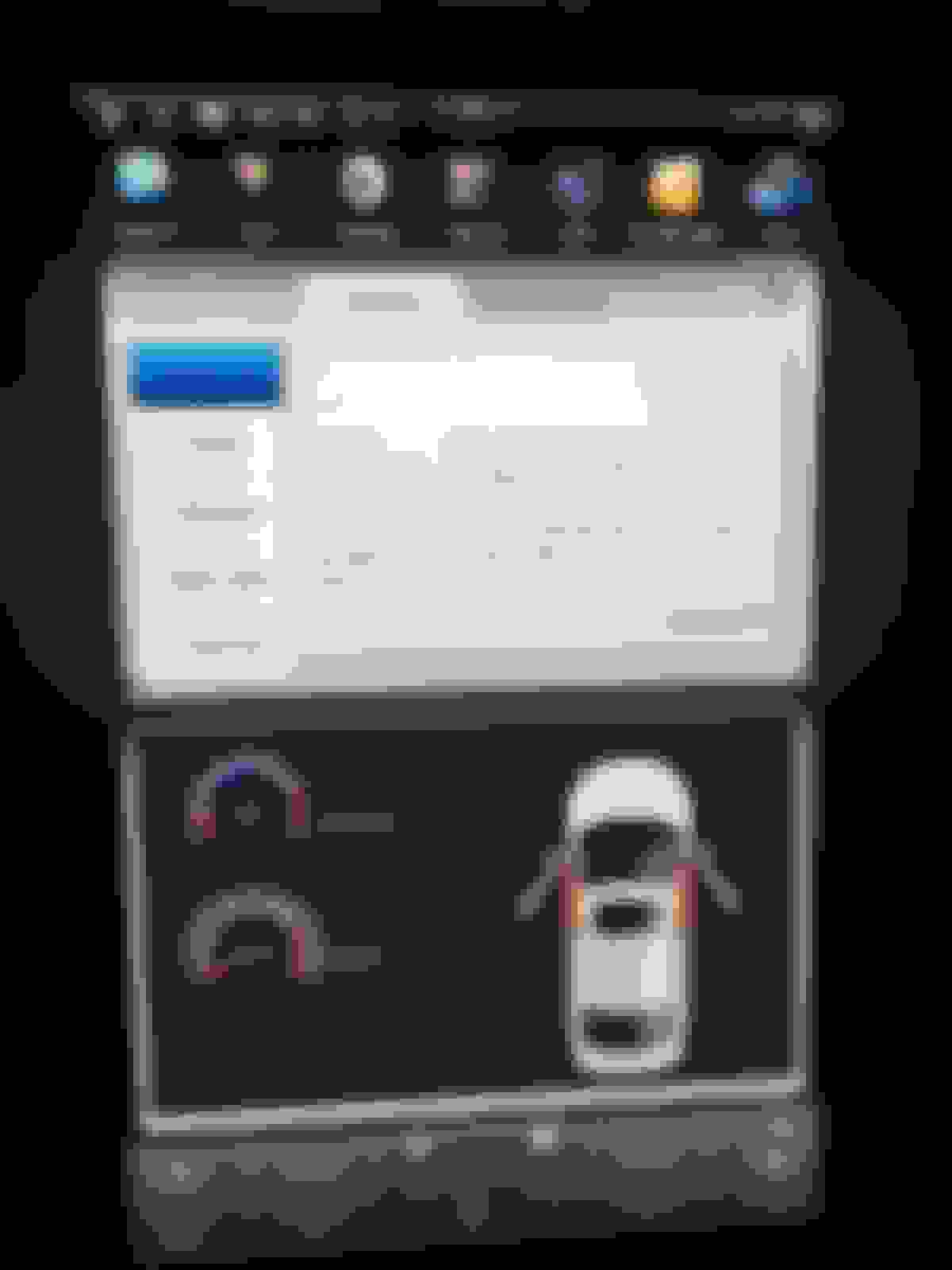
I had a technician install a Tesla touch screen on my Ford Explorer 2017. Everything works fine, but the "open door image" displays even when I shut all the doors. Is there any way to resolve this issue?
On the small screen on the dashboard behind the steering wheel, it shows that the doors are shut when they are shut so there are no problems with the door sensors. And the problem could be with the software or the hardware of the screen. Any ideas?
I had a technician install a Tesla touch screen on my Ford Explorer 2017. Everything works fine, but the "open door image" displays even when I shut all the doors. Is there any way to resolve this issue?
On the small screen on the dashboard behind the steering wheel, it shows that the doors are shut when they are shut so there are no problems with the door sensors. And the problem could be with the software or the hardware of the screen. Any ideas?
Sounds like it is using the wrong canbus protocol. I am not familiar with the protocols ford uses. But you can experiment with them in the system settings
Probably that is the case. The last time I checked it is on the "normal" protocol. I looked at a YouTube video and Xinbasi protocol is selected. I will try that to see if it works. Thanks for your response.
I tried Xinbasi protocol. It resolved the door ajar warning light but messed up with the air conditioning. It was no longer operating. And there are 3 types of Ford Explorer: Explorer HI, Explorer LO, Explorer LOLO. And the protocols are too many to try all of them. And I am afraid to create a glitch in the CANBUS if I try all of them one by one. So, I'd be grateful if someone could tell me which type and protocol is the functional one for my Ford Explorer 2017.
Here are more details on my vehicle.
Trim Level: XLT
It originally came with a small radio screen or infotainment screen.
Just to update you. Next to the Xinbasi protocol, there should be "car info" with a drop-down list that includes S1 Auto, S2 Auto, S3 Auto, S3 4.3 Auto, 13 S3 Auto. According to the video I watched on YouTube, I should select the one in bold as the vehicle's original screen size is 4.3 inches. However, these options are missing on my screen. What could be the problem here? Does it require a software upgrade or update? Could it be done through the screen itself?
Yes, it makes sense. Ill help you one on one, and post the information here afterwards. I need more information/pictures of your harness.
Did you post this solution anywhere? I'm trying to do the same thing and can't figure out how to retain the factory stereo and add an aftermarket amp to the HU. Any help would be appreciated. Thanks!
Here are some pics to show some of the theming and such. Apparently the site doesn't support mp4 video, so i will upload to YT or something. Backup camera, on trunk lid spoiler. 1080p front dash cam, plugged to USB 6 Cold boot screen (yall usually have a picture of a car here, most coke witha. Mustang, some with g37) Android boot animation screen. (this normally says ANDROID on y'alls units) My home screen. (y'all normally have the music player and system monitor with a picture of a car )
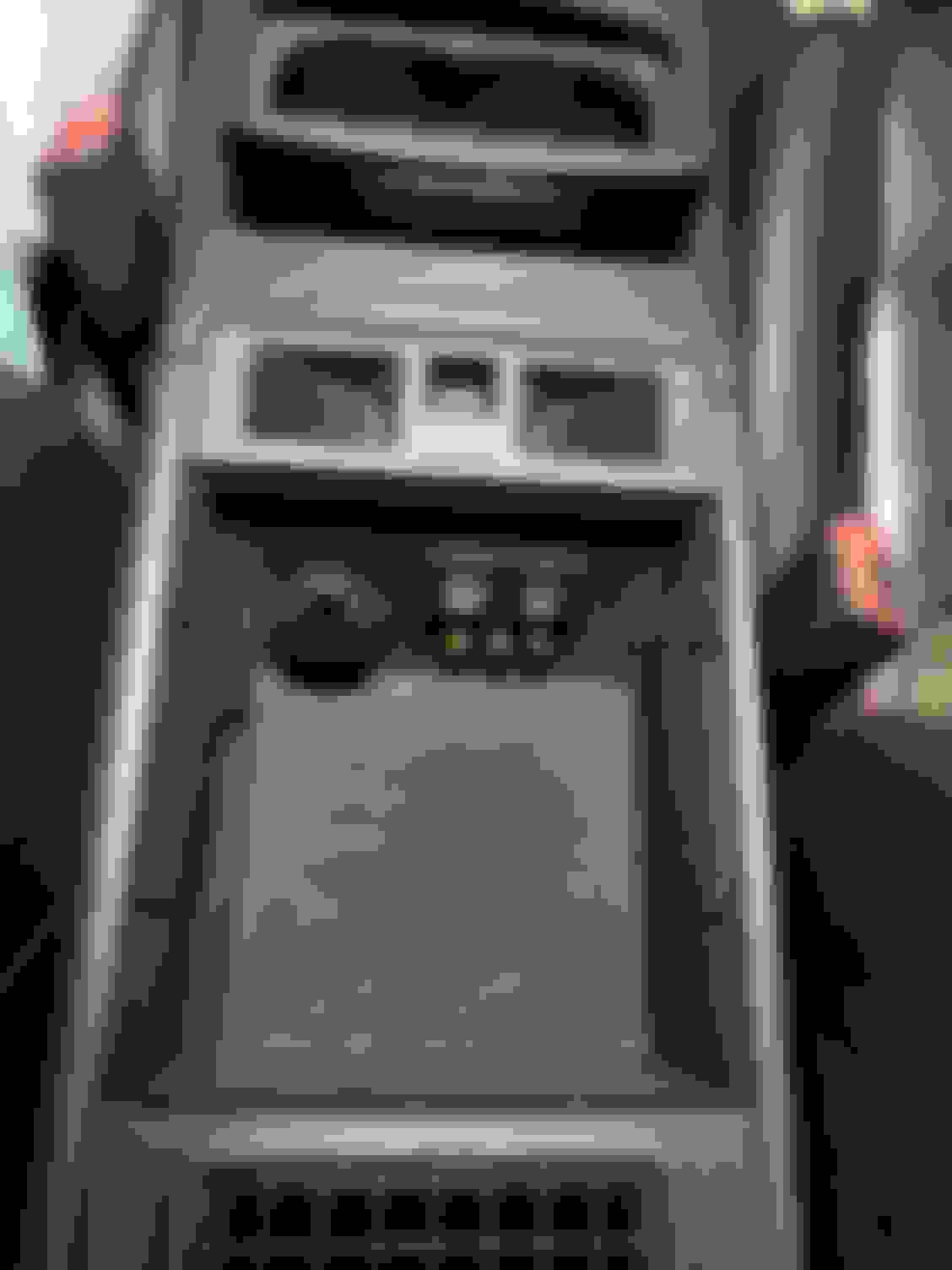
Usb 1 and AUX 1 Usb 3-5, RCA input (works), and 12v socket.
Not shown: USB 6 (Dash Cam), USB 7, (OBDLink SX) and USB 8 (SAMSUNG 256 GB flash drive for extra storage)
Hi Mate,
Can you elaborate how did you managed changing themes (also where can I get them) and adding front camera?
Thanks.
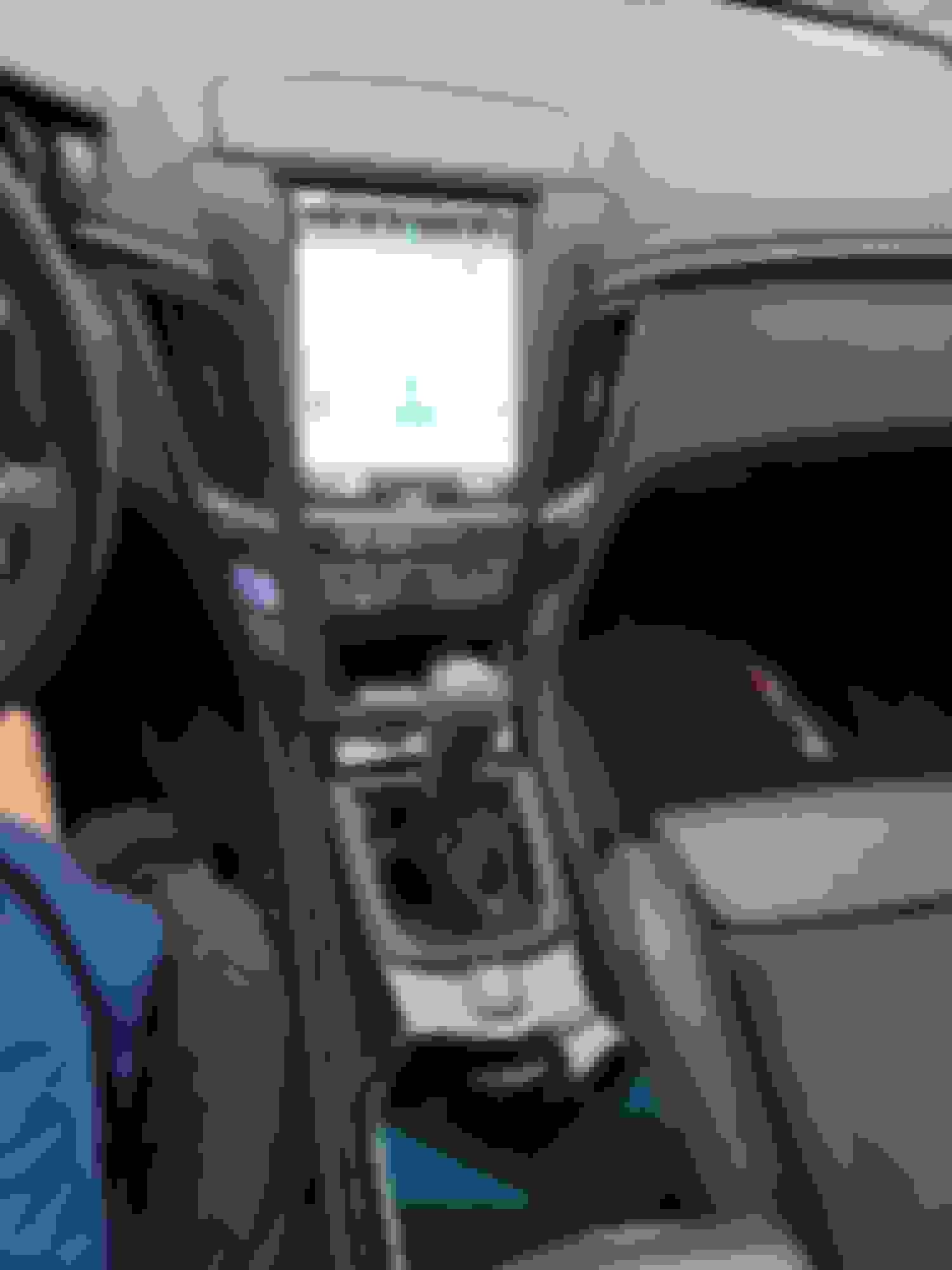
Hey guys, I've been reading through this thread, and seen this question asked a few times, but no answer. Are these compatible with the convertibles? I have a '10 with Bose, no nav.
Thanks.
Mine worked good when I had it installed, took it out to trade my G in but now I’m keeping it so it’ll be going back in after I paint it, my issues with it was the back up cam was not as clear, the screen was hard to see in the daylight when sunny, and I got a bit of buzzing from the speakers. I might try to shield the harness some how to counteract the buzzing and I’ve seen anti glare stuff for the screen. I never downloaded any apps or had the apple CarPlay working cause I had no way of getting a hotspot in the car so I can’t speak on that stuff
Gotcha, thanks. The g37 I just bought is a vert so the glare might be an issue for me. The other issues sound like what the earlier px3 models were doing on the V.
Just an FYI..... A few other guys who bought the px6/Android 9 unit from Pheonix have some limitations and not much support. My radio is from Amazon and I don't have their problems and really never needed support because it ran well out of the box.