When you click on links to various merchants on this site and make a purchase, this can result in this site earning a commission. Affiliate programs and affiliations include, but are not limited to, the eBay Partner Network.
So for this method, its a bit more complicated for the models which don't have RCA. The converter I linked is used for HDMI > RCA which is only going to work for the cars which already have RCA.
I don't think the systems with USB allow any video to go through, so with that you will need another module to get into the screen, like a NavTool or something.
I have already replaced this project with a new one, where i replaced the entire screen with a new unit. Writeup on that coming later.
Yeah, I don't know if the USB will allow that. Don't think so.
I have not tried doing carplay since I only use Androids, but I know it's possible. From the little reading I did you just need to use one of those CarPlay dongles plugged into the USB3 port. You also need to run a distro of Android on the Pi to go along with the dongle. Should be pretty easy.
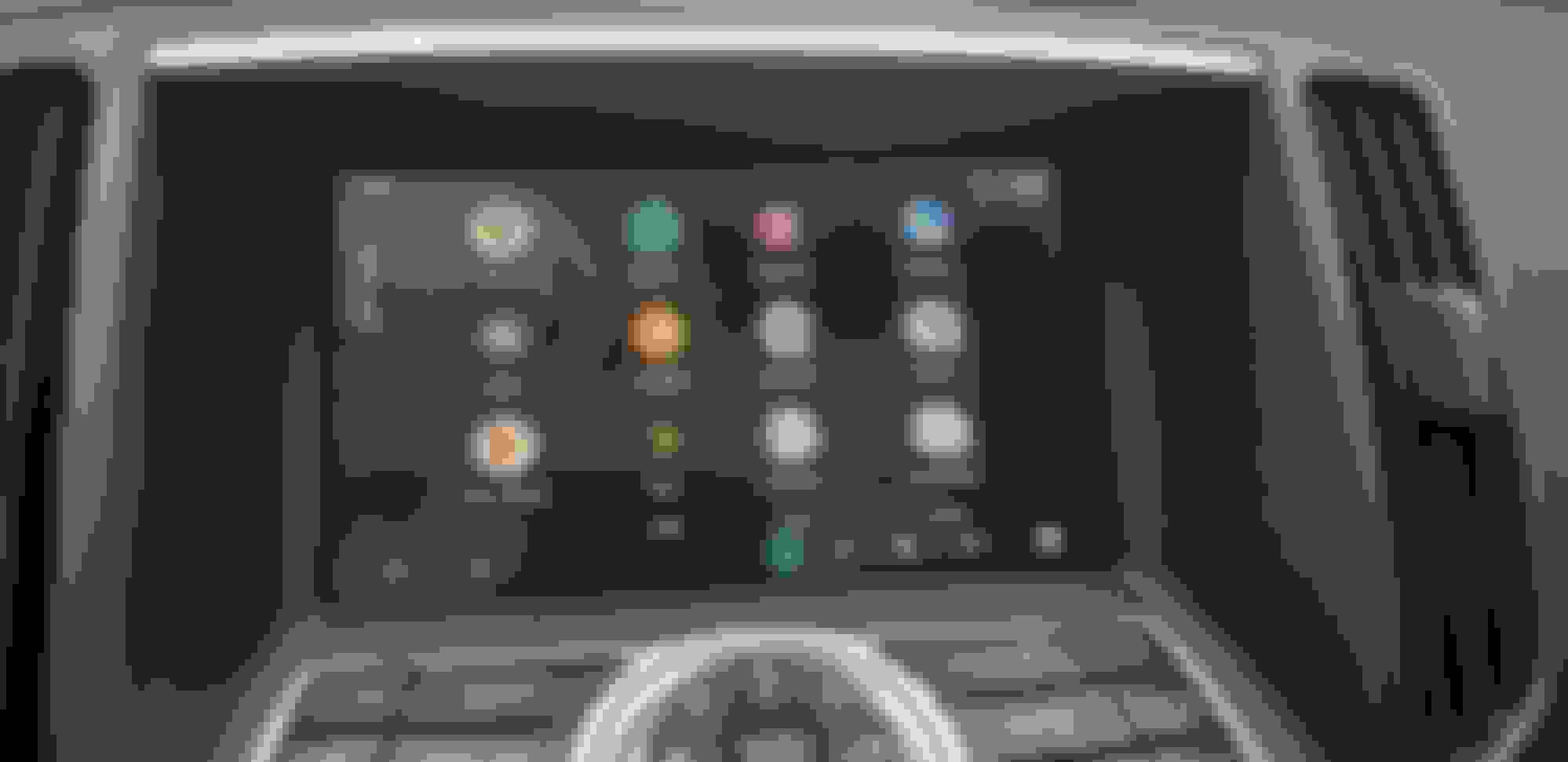
So, I was able to get android auto working on my car with the help of a Raspberry Pi and a few mods to the stock screen assembly. This uses a Pi 3 running the free Crankshaft NG software.
Setting up the Pi:
First thing you want to do is configure your Pi. Download the software and follow the instructions on their website: https://getcrankshaft.com/
Note that after you flash the image, you need to change the config so the display will show up properly on a 7" display. Put the following at the bottom of config.txt on the root of the SD card.
After, plug in your USB cable and make sure android auto is working before installing in the car.
Modifying the display:
The car already has touch screen overlay for it's factory nav system. Its useless and will need to be removed. Basically we need to open up the housing, separate the screen from the digitizer, cut a slot for the new ribbon cable, and reassemble.
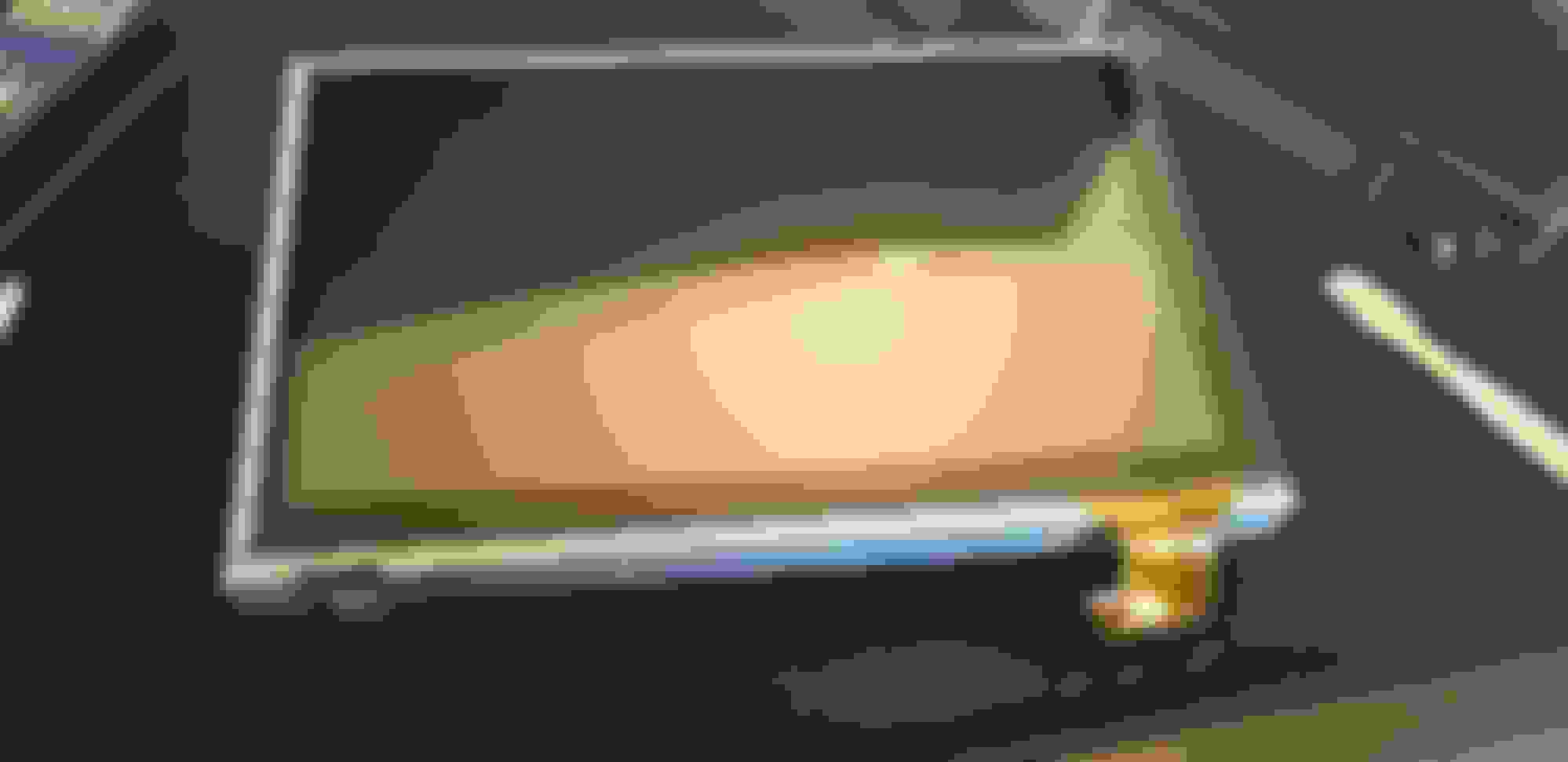
Display after removing the stock digitizer, sticking the new one in it's place
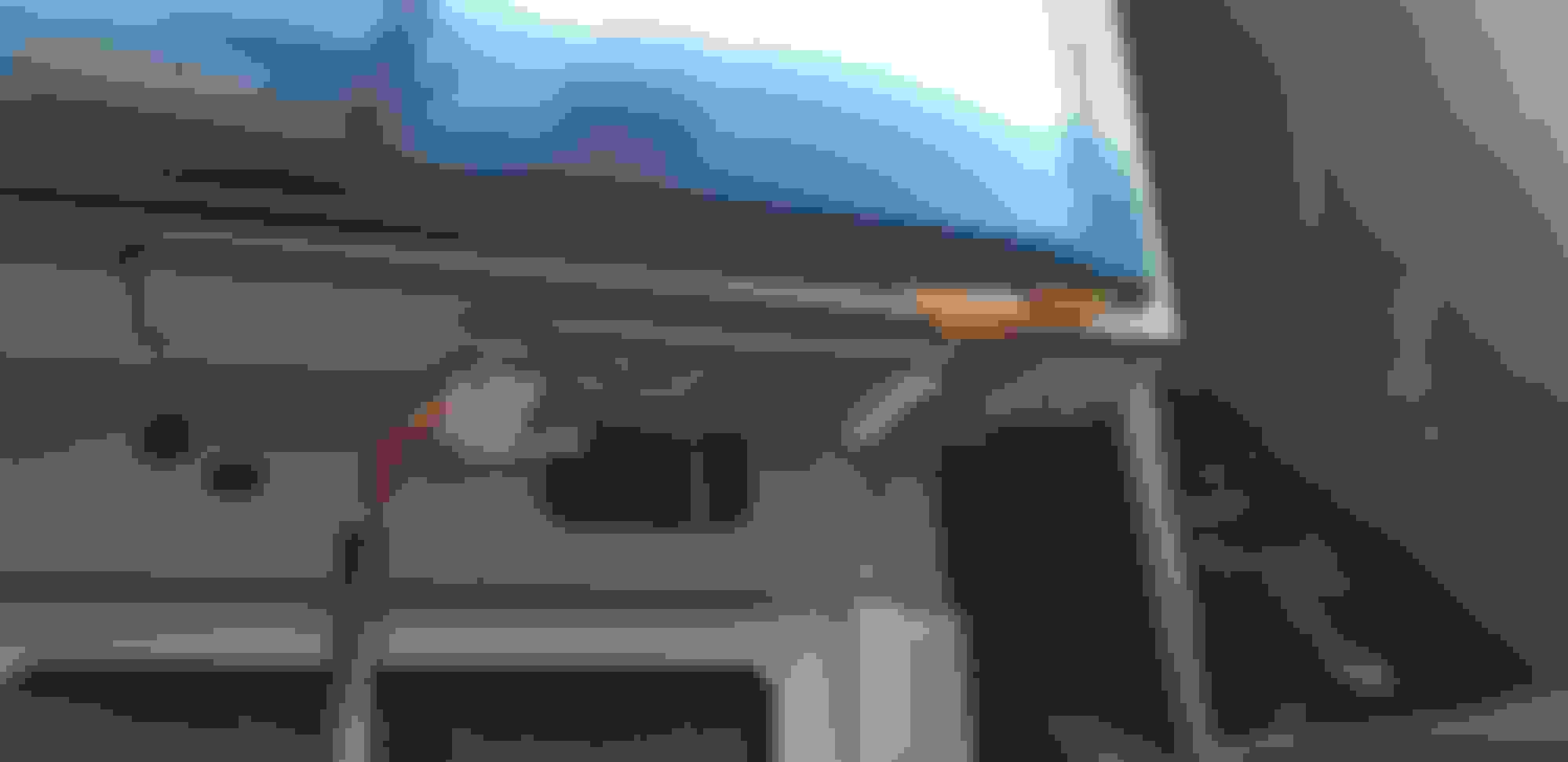
You need to cut the housing like so, to allow the cable to pass through.
The controller for the digitizer will be mounted under the screen, like this.
Getting video onto the display:
This will vary depending on your car's year. My car is a pre-2010 with RCA inputs in the center console. I simply used an RCA to HDMI converter to get the pi's display onto the screen. The quality isn't the greatest, so I will revisit this in the future.
If you don't have the RCA or your car is post 2010, you may need a converter such as the naviks unit: https://naviks.com/i-22763577-2007-2...tegory:1137501
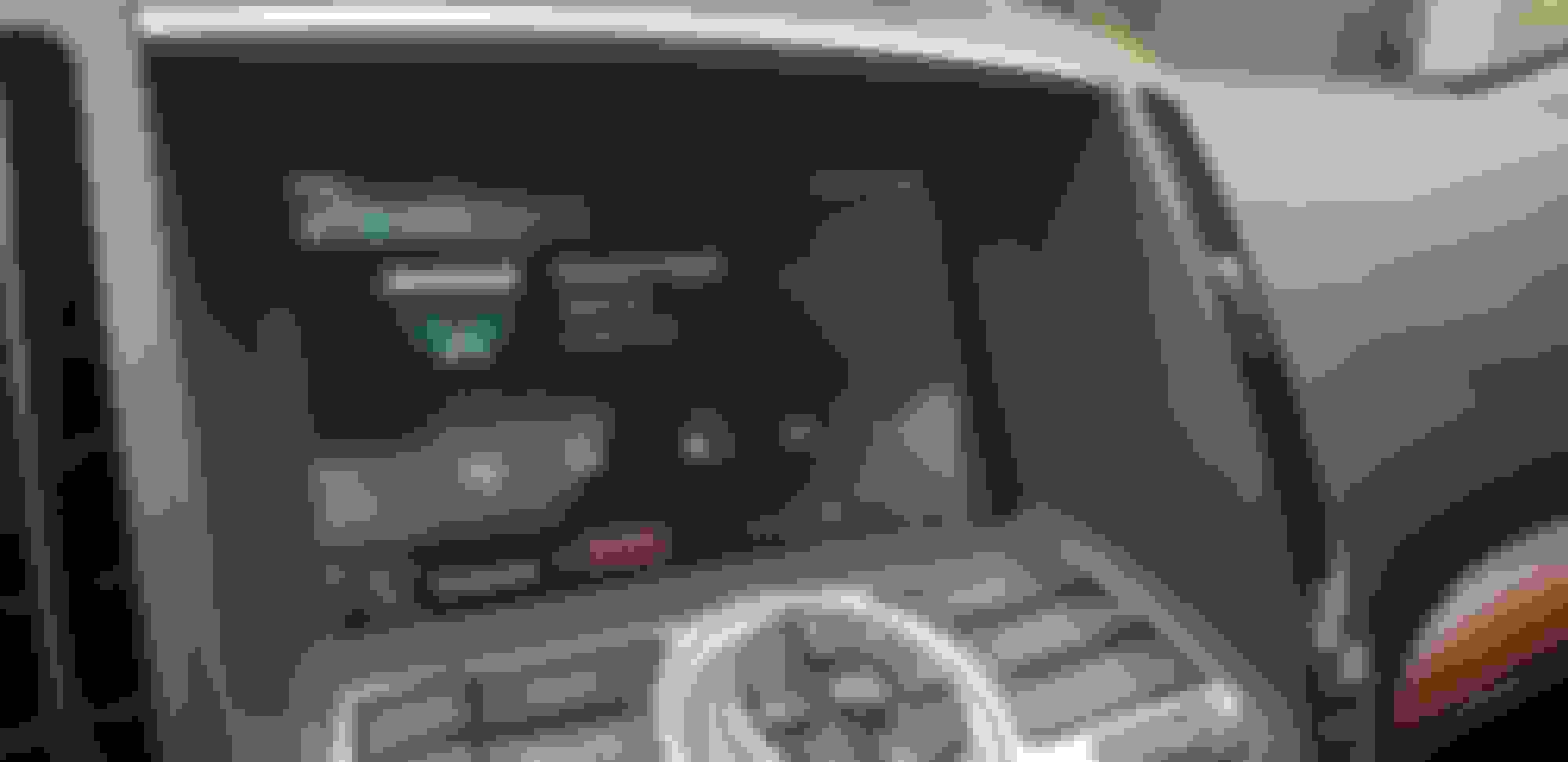
After this, the rest is simple. Just reassemble the car and verify everything is working. If you do it this way the volume and climate controls will still show up when you turn the *****, backup camera and stuff obviously works fine as well.
I ran all the power to my center console, and then ran wires to hide the Pi under the passenger seat. This way i can still easily reach it if i need to change the firmware or something.
Future improvements:
As you can see from the pictures, with the HDMI to RCA converter the quality isn't the best. Also, my 2007 G does something weird with the signal, and the center of the picture is slightly squished. Even stranger, when you adjust the volume the picture un-squishes and then goes back to being distorted once the popup goes away.
For a future improvement I'll either buy the Naviks unit to bypass the OEM system completely, or i will simply replace the entire center screen with a new one.
Great info! Any updates on your new install with a different screen? Would love a step by step if it worked out well. Thanks
When i have some time I will finally write a guide. I am planning on selling kits as well with a harness to make it easy.
Thanks. Funny several hours after you posted that the LCD sold out. I found what I believe to be the same kit from another vendor and got it on order. I assume you're now bypassing the RCA inputs and going straight from pi to screen which is great! Guessing the hard part is integrating the new screen with the old screen input harness.
Yeah, that guy did make a post here a long time ago. I tried to message him on here but he doesn't log in here anymore, just by random chance i found him on reddit. If he ever gets back to me I'm going to try to make one for my car.
You should be able to compare the pinouts between models and see what would work. But i guess you need to figure out which car your going with first lol.
I still lurk around here from time to time! More-so now that the world is in quarantine.
I just got a new battery for my G37 after it (finally!) tested bad, so I'm polishing up the boards I use for my android auto setup and will post the gerbers so that people can make their own if they want. I'll make sure to update my old thread when I do so.
On the software side - I've moved over to using the intelligent-auto project rather than crankshaft, as crankshaft is more or less unmaintained now.
I still lurk around here from time to time! More-so now that the world is in quarantine.
I just got a new battery for my G37 after it (finally!) tested bad, so I'm polishing up the boards I use for my android auto setup and will post the gerbers so that people can make their own if they want. I'll make sure to update my old thread when I do so.
On the software side - I've moved over to using the intelligent-auto project rather than crankshaft, as crankshaft is more or less unmaintained now.
That would be cool, looking forward to checking that out.
I just looked up intelligent auto and I can't find anything... got a link? Also, I ended up getting the paid version of OpenAuto Pro and have been messing around with that, it does seem way more responsive than Crankshaft, boot up times are better as well, and it supports Pi 4.